Plugins
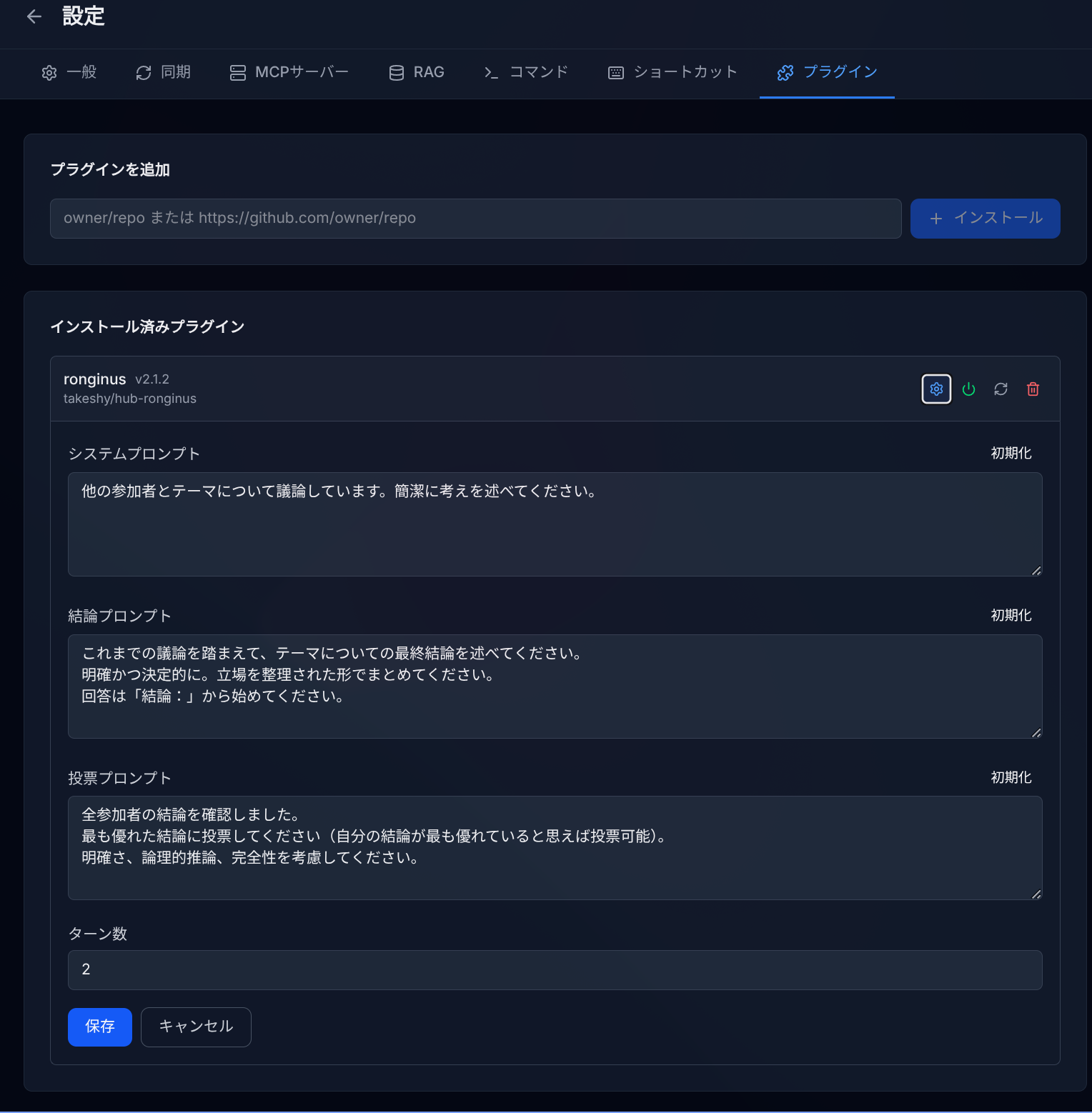
Plugins extend GemiHub with custom features. They are installed from GitHub releases and stored in your Drive.
Installing a Plugin
- Go to Settings > Plugins.
- Enter the GitHub repository in the format
owner/repo(e.g.,takeshy/hub-ronginus). - Click Install.
- The plugin files are downloaded from the latest GitHub release and stored on your Drive.
Managing Plugins
- Enable / Disable — Toggle plugins on or off without uninstalling.
- Update — Pull the latest release from GitHub.
- Uninstall — Remove the plugin and all its data.
- Settings — Some plugins provide custom settings tabs.
Plugin Capabilities
Plugins can:
- Add custom sidebar views and main editor views.
- Register slash commands for the chat.
- Add custom settings tabs.
- Access the Gemini AI API.
- Read and write Drive files.
- Use scoped persistent storage on Drive.
Example: Ronginus
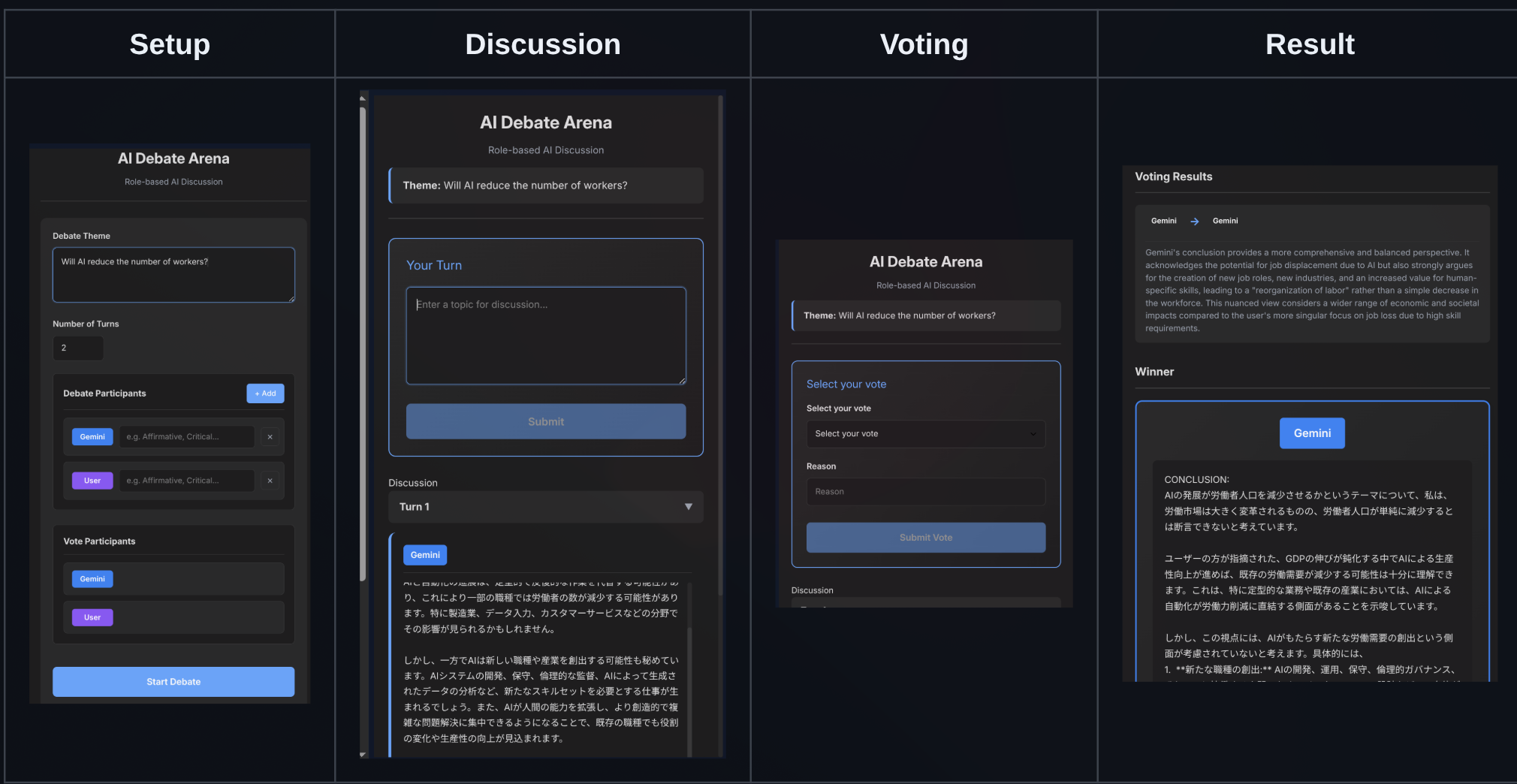
Ronginus is a debate plugin where multiple AIs discuss a topic from different perspectives. You can also participate as a debater. Install it with takeshy/hub-ronginus.
Developing Plugins
Plugins consist of a manifest.json, main.js, and optional styles.css. They receive a PluginAPI with access to language settings, UI registration, Gemini AI, Drive operations, and scoped storage. See the developer documentation for details.