What is GemiHub?
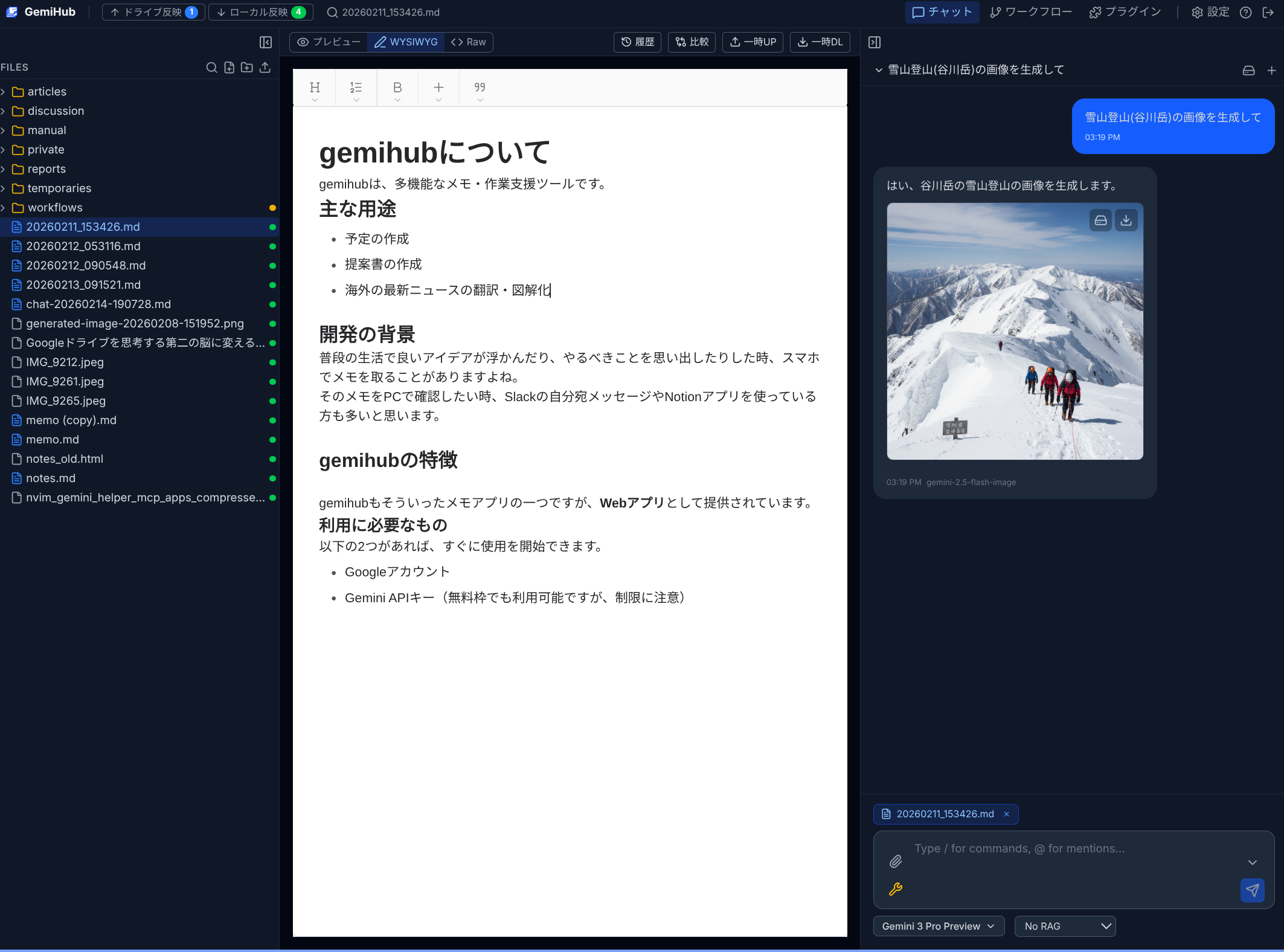
GemiHub is an AI-powered workspace that integrates Google Gemini with Google Drive. It combines an AI chat assistant, a file editor, visual workflow automation, and meaning-based search (RAG) — all in a single browser-based IDE.
Key Features
- AI Chat — Converse with Gemini AI that can read your files, search the web, generate images, and call external tools automatically.
- File Editor — Edit Markdown files with WYSIWYG, Preview, and Raw modes. Built-in diff view and edit history.
- Visual Workflows — Build automation with a drag-and-drop editor. 24 node types including AI prompts, Drive operations, HTTP requests, and interactive prompts.
- Smart Search — Search your files by keyword (Local/Drive) or by meaning (RAG).
- Offline-First — All files are cached in your browser. Edit offline, then sync changes to Drive when ready.
- Encryption — Optional client-side RSA+AES encryption for sensitive files, chat history, and workflow logs.
- Plugin System — Extend the app with plugins installed from GitHub.
- MCP Integration — Connect external tools via the Model Context Protocol.
- Self-Hostable — No external database. Everything is stored in your own Google Drive.
Architecture
GemiHub is a web application built with React and React Router (SSR). All user data — files, chat history, workflows, settings — is stored in a dedicated gemihub/ folder on the user's Google Drive. There is no external database.
The browser uses IndexedDB for local caching. You can work entirely offline and sync changes to Drive with a manual Push to Drive / Pull to Local mechanism.
Technology Stack
- AI — Google Gemini API (chat, function calling, image generation, RAG)
- Storage — Google Drive API (all data in user's own Drive)
- Frontend — React 19, React Router 7, Tailwind CSS v4
- Hosting — Google Cloud Run (or self-hosted)